Setting Up Android Proxy for Internet Access

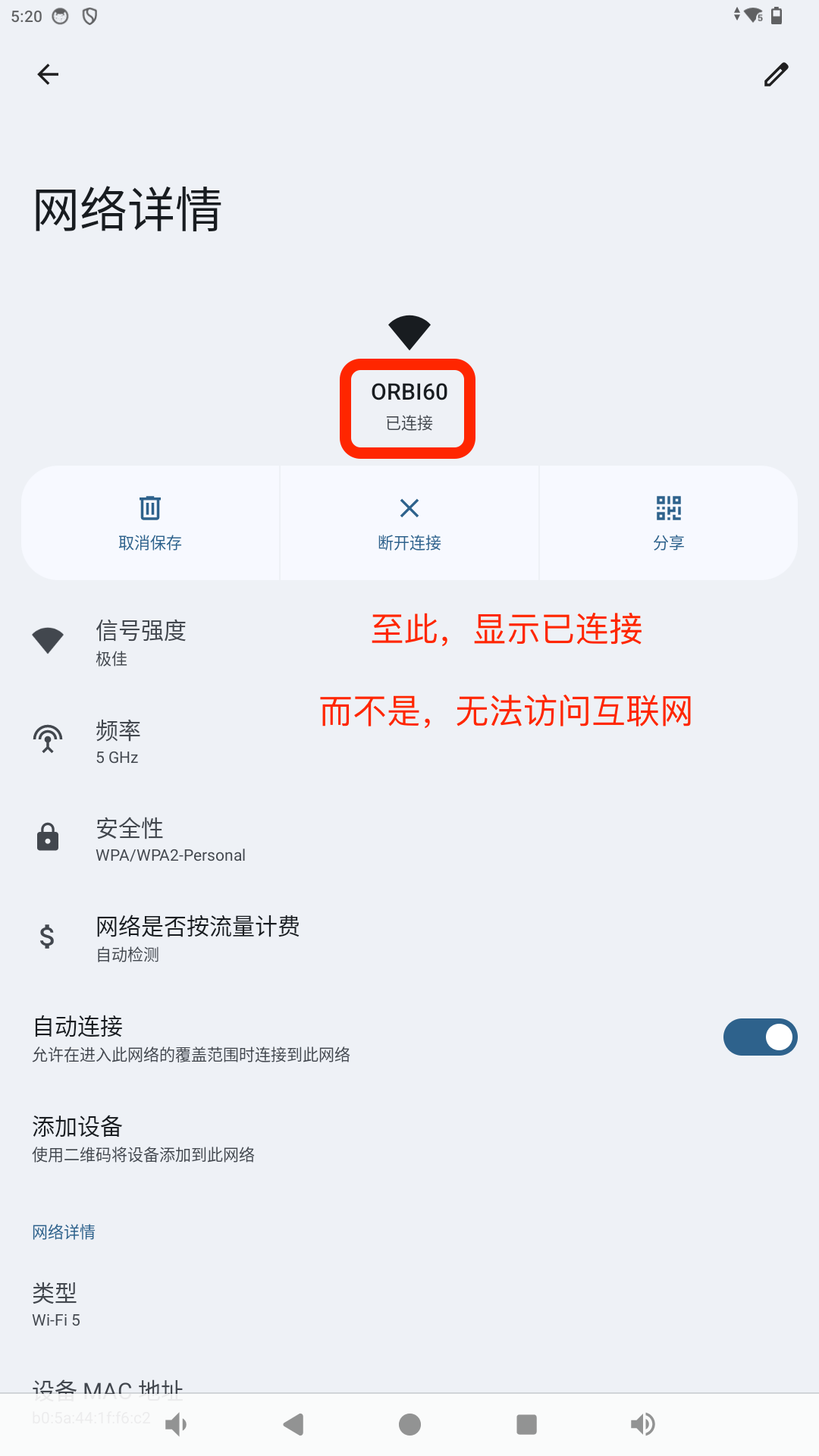
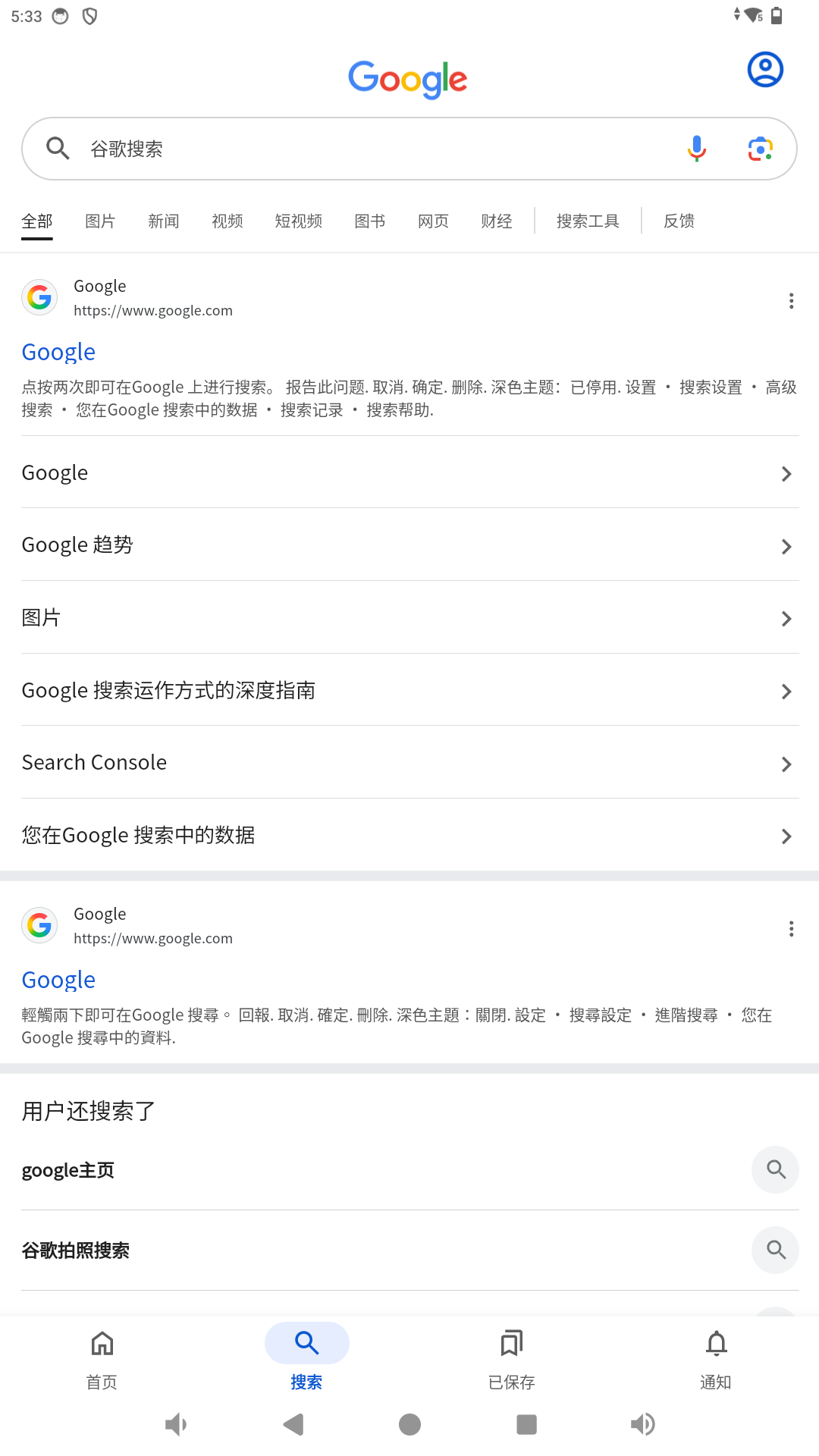
Resolving "Unable to access the internet" issues.
1. Fixing "Unable to Access the Internet"
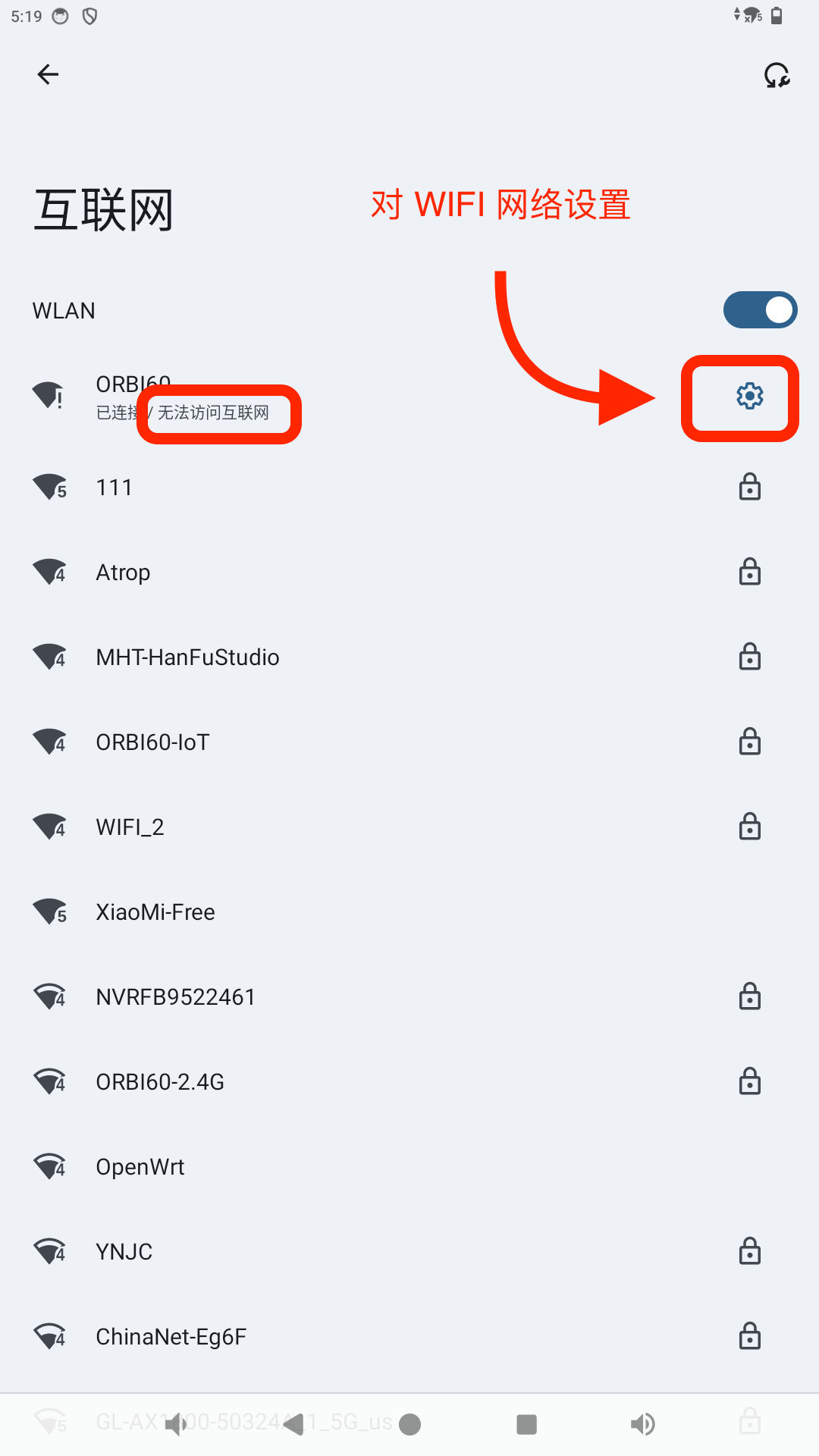
1.1 Access Wi-Fi Advanced Settings
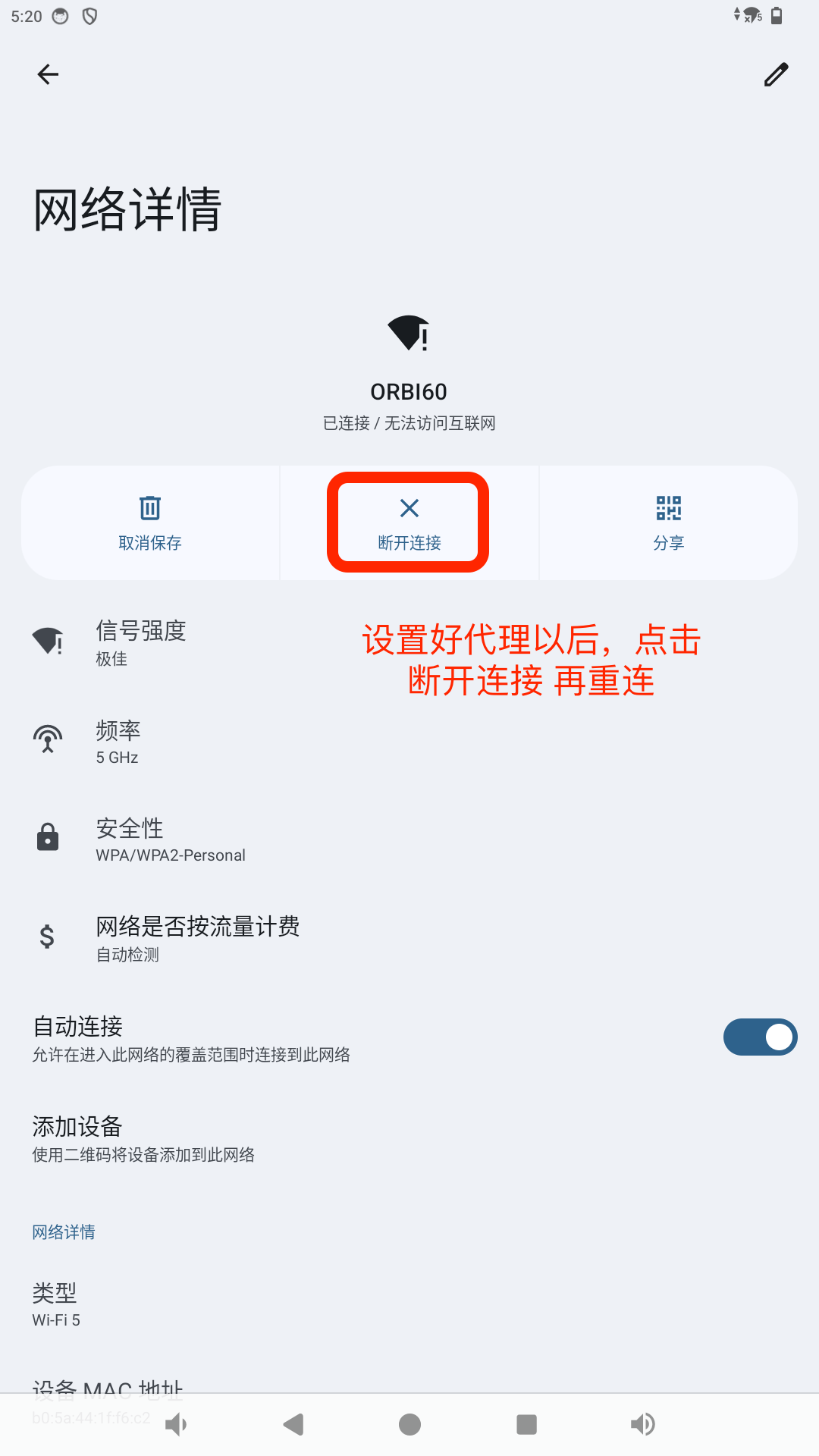
Click the Settings button next to the connected Wi-Fi network.
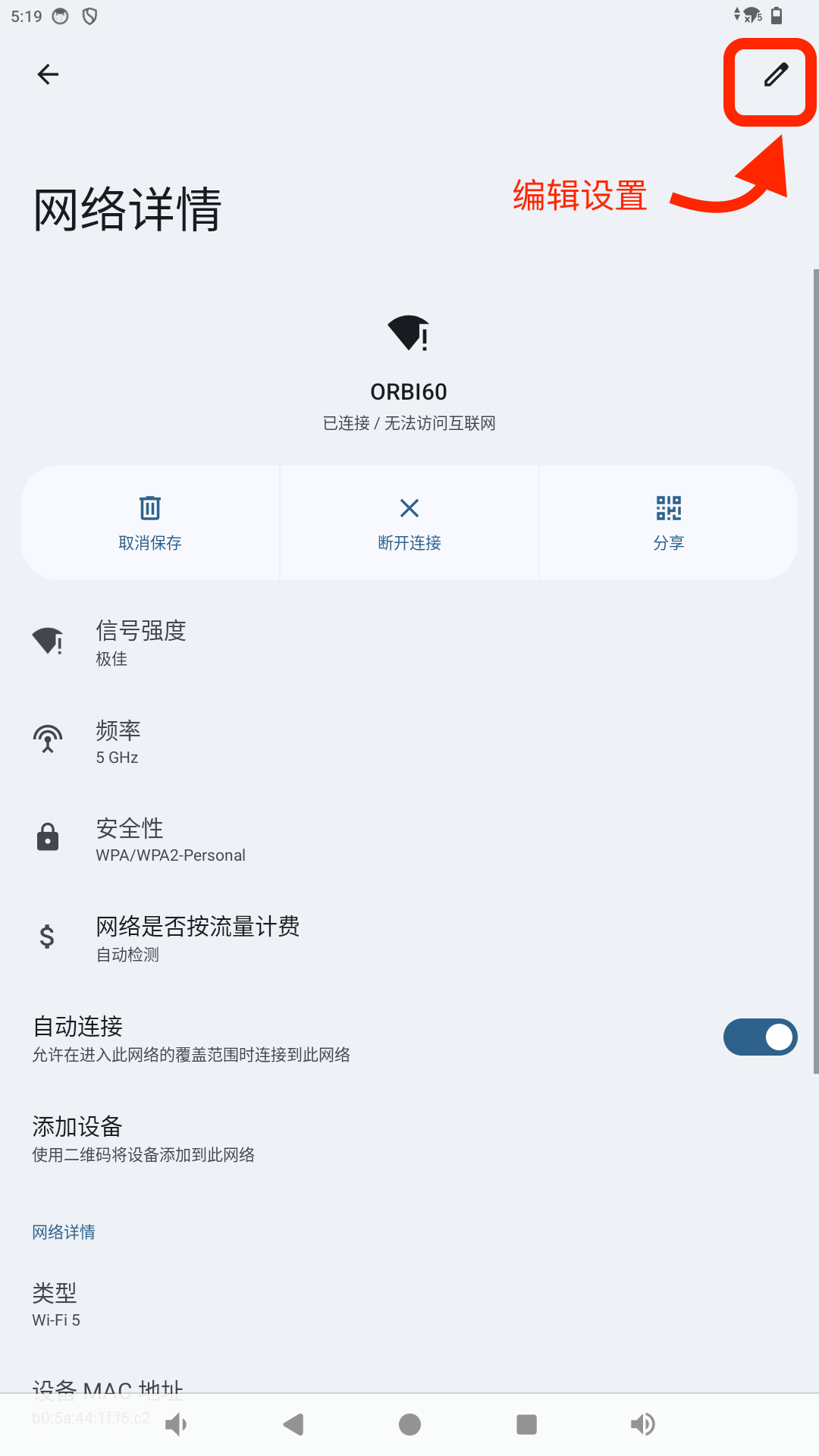
1.2 Tap the Edit Button in the Top Right Corner
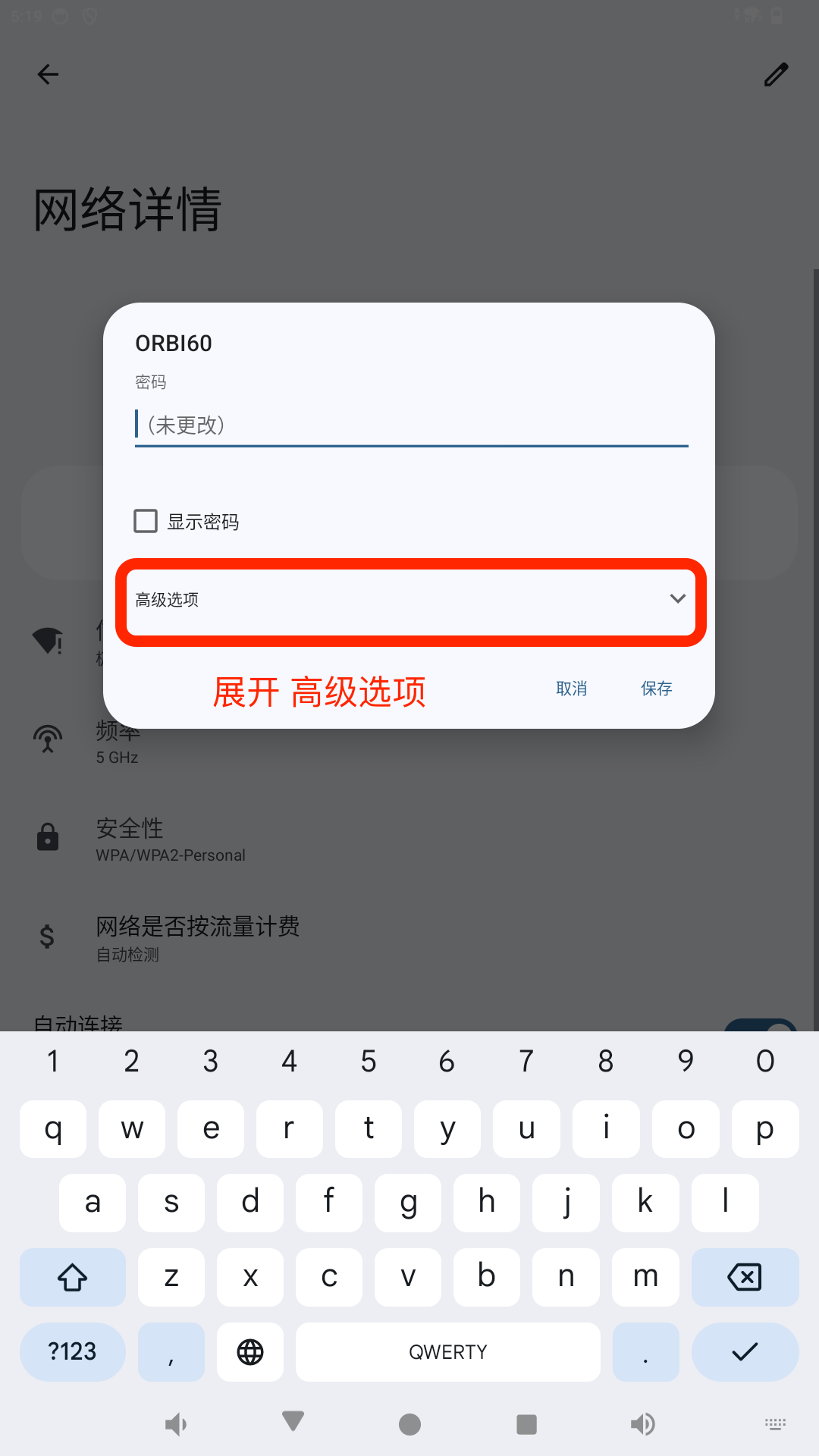
1.3 Expand Advanced Options
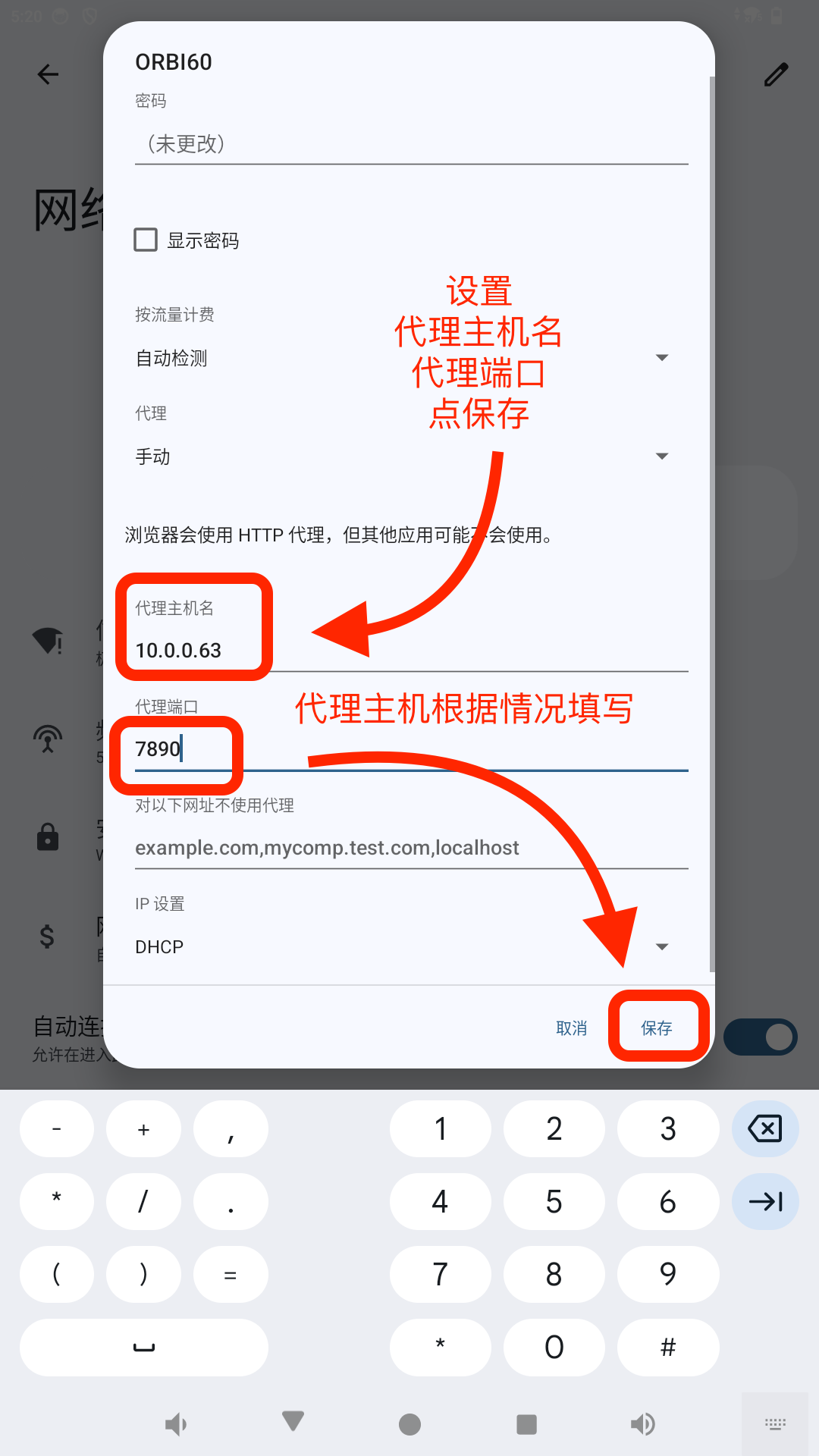
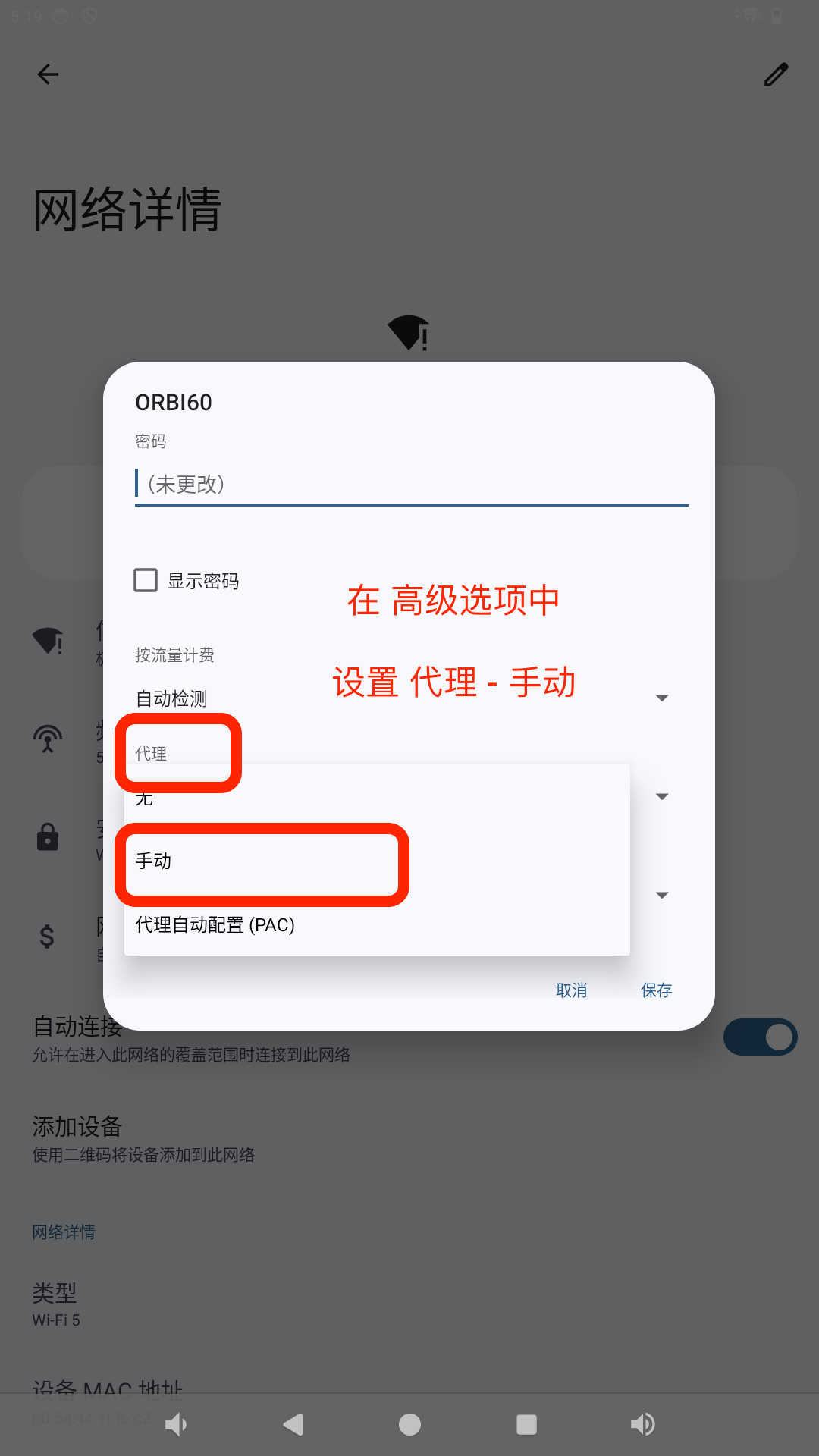
1.4 Set Proxy to Manual
1.5 Enter Proxy Information
Enter the proxy details based on your specific situation: Proxy hostname and Proxy port. Finally, click Save.
Example:
Proxy hostname:10.0.0.63
Proxy port:7890