Buildroot - rkmedia Debugging

Basic Debugging Commands
Stop the IPC network camera This is mandatory!
Important If you do not stop the camera, it stays occupied and you cannot access it
/etc/init.d/S98_lunch_init stop
Common commands for capturing frames
## Capture 10 frames from the camera node rkispp_scale0 and save them to the 1080p.nv12 file
rkmedia_vi_get_frame_test -a /etc/iqfiles/ -w 1920 -h 1080 -d rkispp_scale0 -o /tmp/1080p.nv12 -c 10

## Record 10 frames of image data and extract the last frame for preview
dd if=/tmp/1080p.nv12 of=/tmp/1080pl.nv12 bs=3110400 skip=9

## Record a video
rkmedia_vi_venc_test -a /etc/iqfiles/ -w 1920 -h 1080 -d rkispp_scale0 -o /tmp/1080p.h264 -c 100
Try streaming manually
## rtsp streaming
rkmedia_vi_venc_rtsp_test -a /etc/iqfiles/ -w 1920 -h 1080 -d rkispp_scale0

/oem/usr/bin/rkmedia_vi_venc_rtsp_test -a /etc/iqfiles/ -w 1920 -h 1080 -d rkispp_scale0
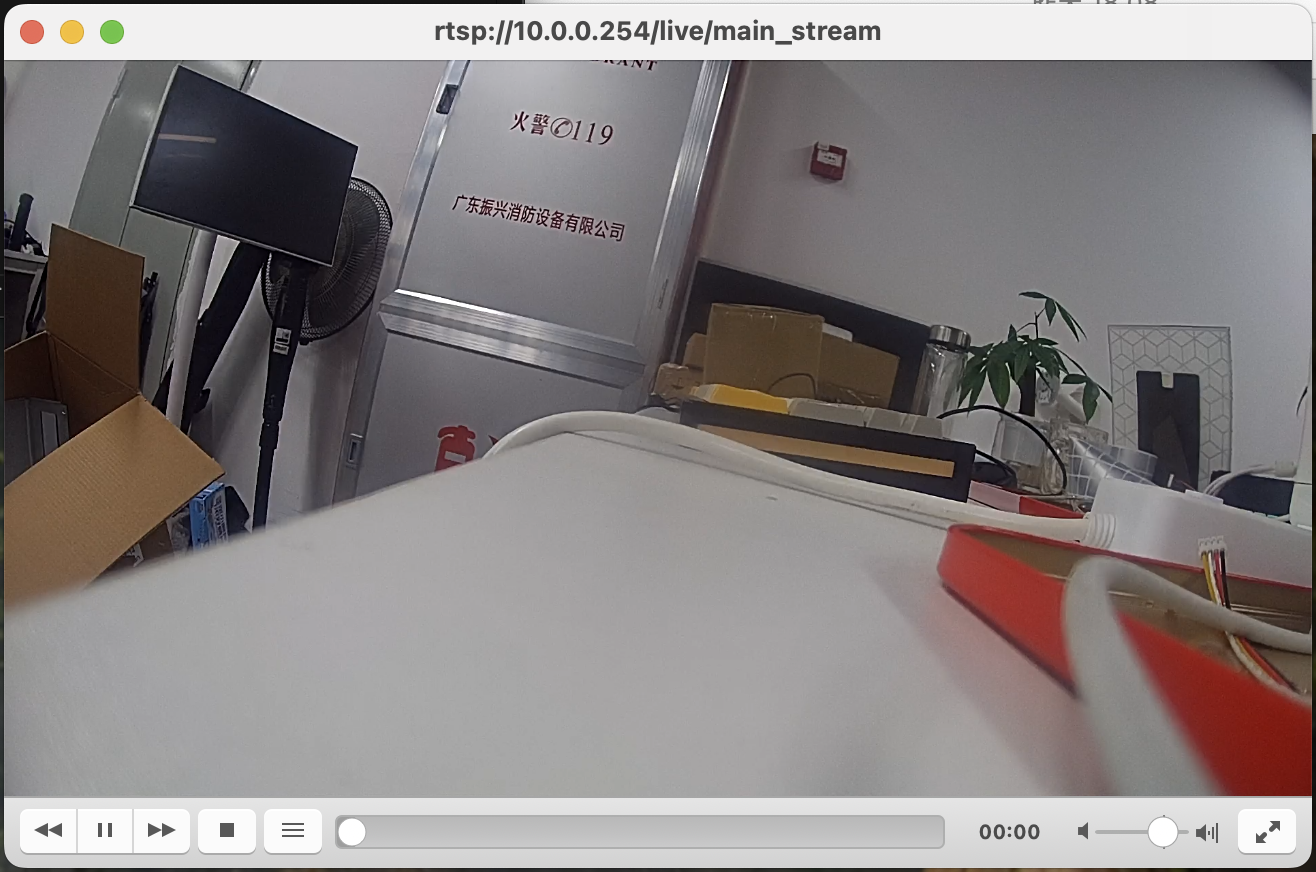
Open it in the VLC player:
Use the dynamic IP obtained in the previous steps
Press ctrl + N, enter rtsp://10.0.0.125:554/live/main_stream and click play to see the image captured by the device
Video latency! Special note!
Please refer to FAQ - Video latency! Special note!