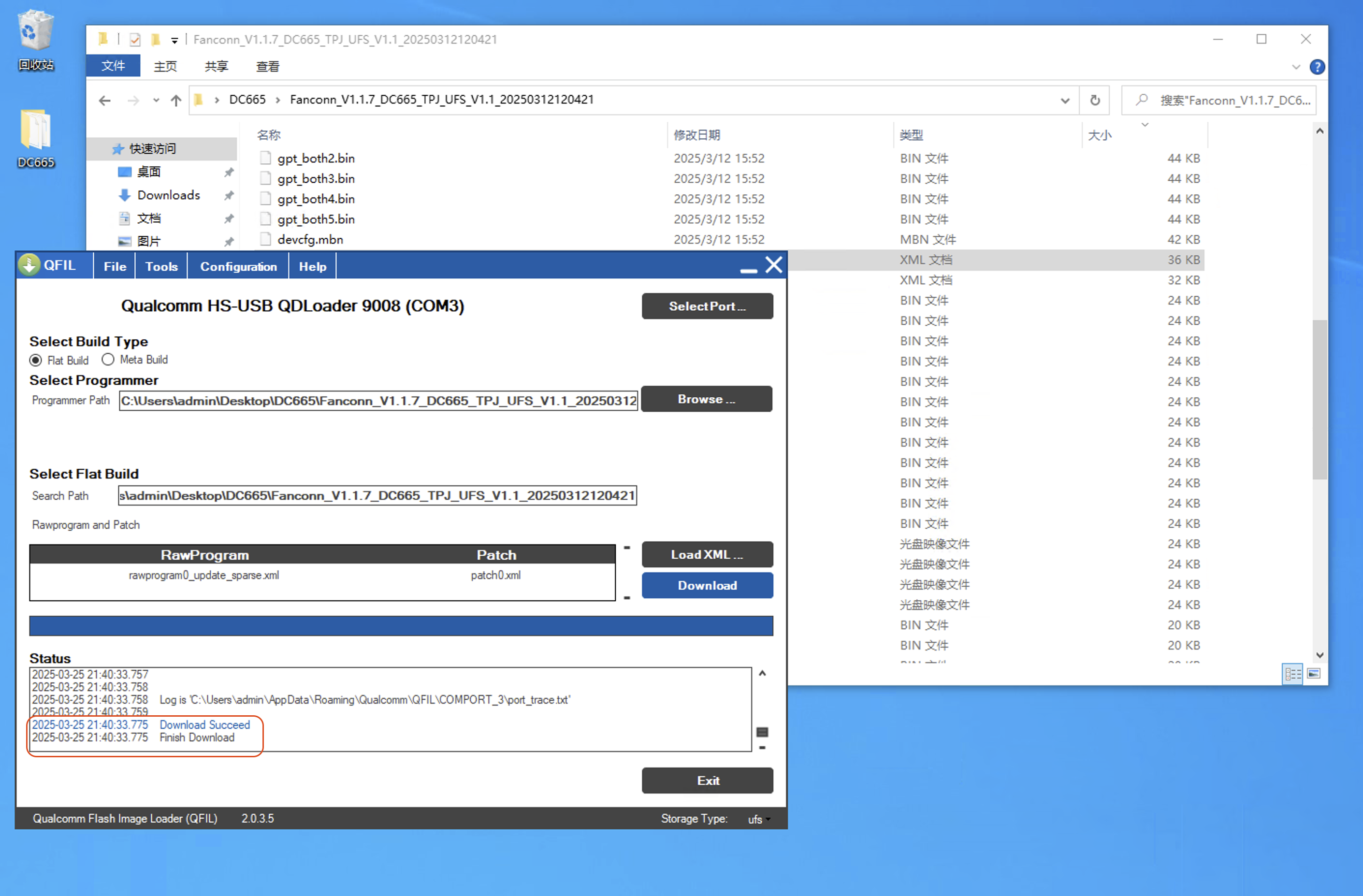
finish-upgrade
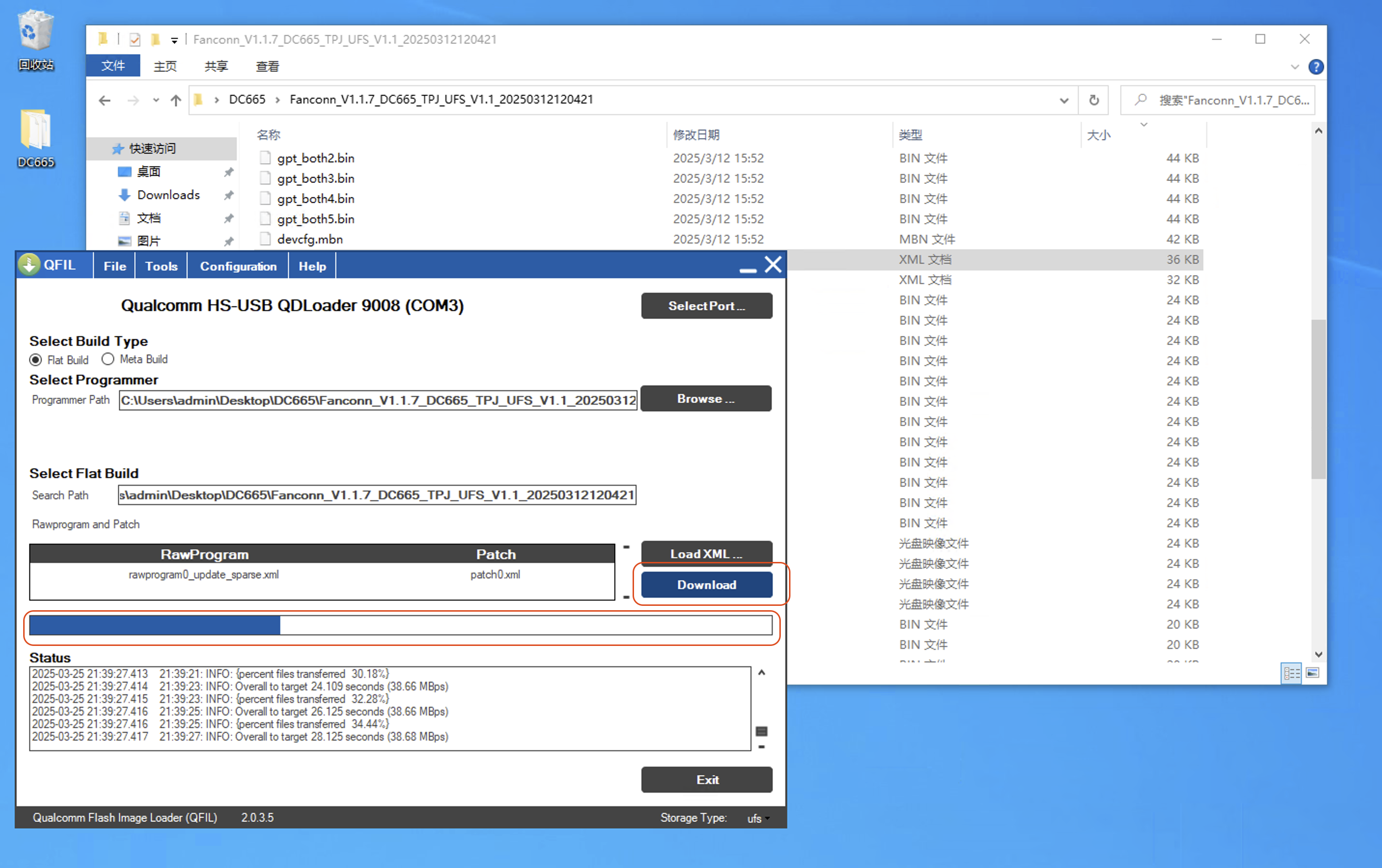
1. Start the Upgrade
After confirming all information is correct
Click Download and wait for the blue progress bar to complete
Wait for the
blue progress barto reach 100% completion
When Download Succeed / Finish Download is displayed, the upgrade is complete.
2. Complete the Upgrade
Upgrade Complete, Blue Succeed indicates success!

Upgrade Complete