Quick Install - Windows

EC20 Installation
Quickly get started with the EC20 LTE Cat 4 Dongle on Windows
Prerequisites
- A Windows PC
- Dongle EC20 and a USB data cable (USB-A connector)
- A Nano-SIM card with Internet service
- Windows USB driver
Installing the Nano-SIM Card
The Nano-SIM card is shown for demonstration only and is not included with this product.
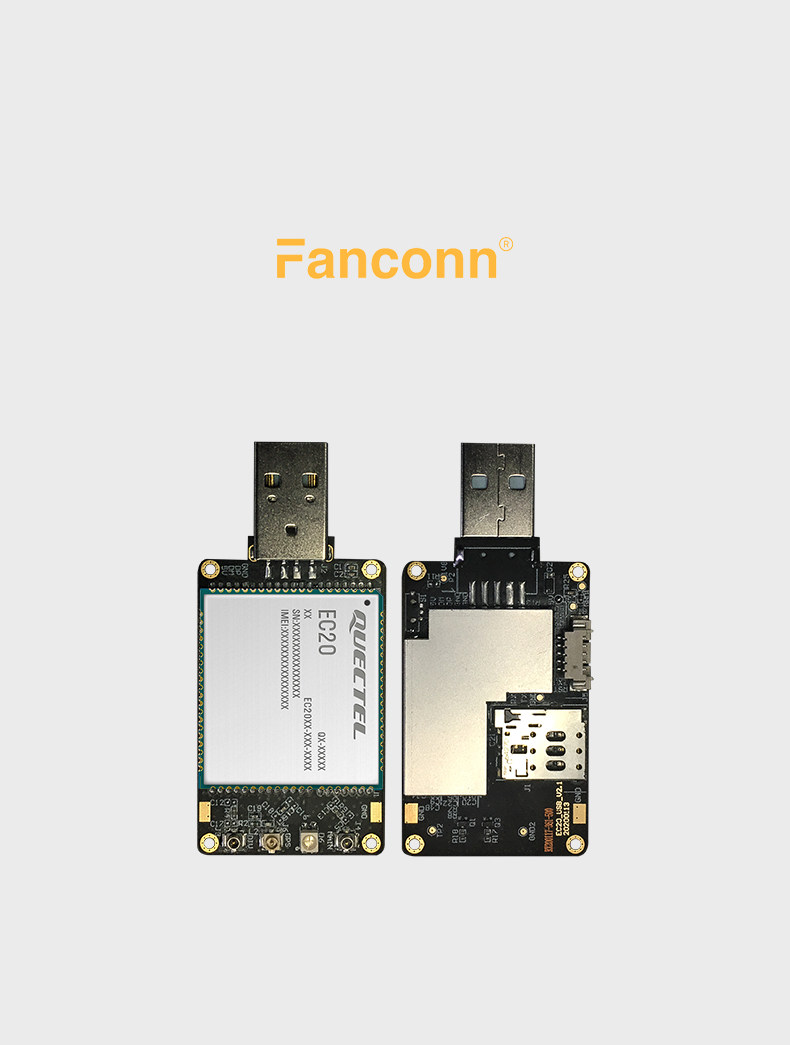
- If the device has a USB protective cover, remove it first (skip this step for bare-board devices without an enclosure)
- Push the Nano-SIM card into the slot in the direction indicated on the slot, and make sure it is seated firmly
Connecting to the PC USB Port
Simply plug the USB-A connector into a USB port on the PC; if the USB port cannot supply enough power, a powered USB hub is recommended.
Configuring the Dongle
Downloading the Driver
Quectel_LTE&5G_Windows_USB_Driver_V2.2.4 (for BG95-M3 and regular EC20 dongle).zip
If the module has been switched to MBIM or RNDIS mode, install the corresponding MBIM / NDIS driver:
https://www.quectel.com/download/quectel_lte_windows_usb_driver_for_mbim_v1-3/
https://www.quectel.com/download/quectel_windows_usb_driverq_ndis_v2-8_en/
Checking the Device
- Insert the SIM card and connect the dongle to the PC
- Open
This PC→Manage(G)→Device Manager→Other devices - You should see
EC20with no driver installed
Installing the Driver
- Download and extract the driver
- Run the installer and click
Next - After installation, the Quectel network adapter appears under
Device Manager→Network adapters
After the driver is installed, several Quectel AT ports appear under
Ports (COM & LPT), which can be used for Device Debugging.
Getting Online
Once the driver is installed, Windows automatically obtains an IP address through the Dongle (usually 192.168.225.x). Open a browser and browse the web.
To check the signal and SIM status, refer to Device Debugging.
Driver Not Recognized
If some devices are still not recognized, or the AT port stops working after switching to ECM/RNDIS, refer to:
Solution for AT port not working after switching to ECM or RNDIS.docx
For Linux / OpenWrt, refer to Quick Install - Linux / OpenWrt.