Virtual Environment

Configure Python Virtual Environment
snpeis a custom name
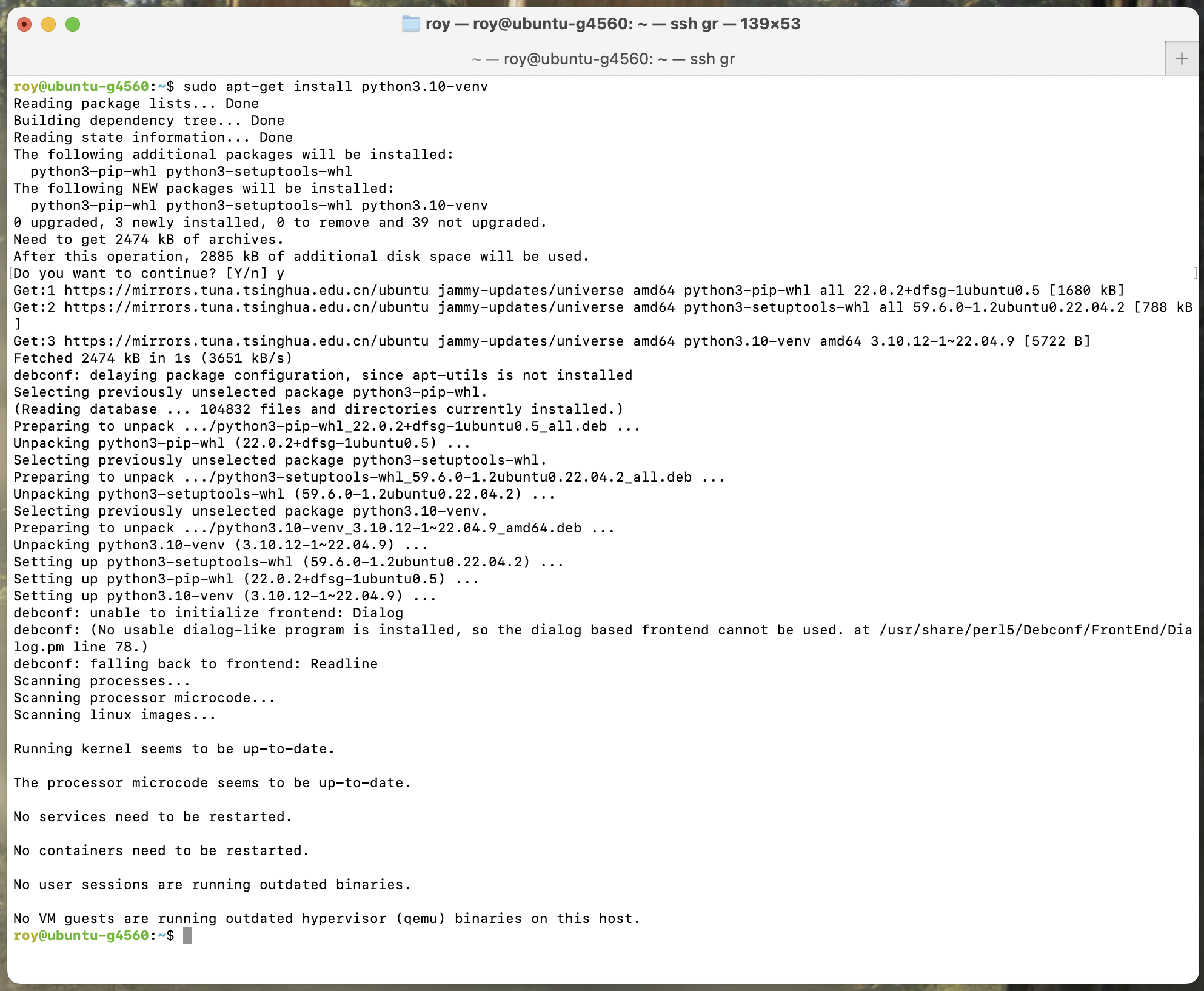
sudo apt-get install python3.10-venv
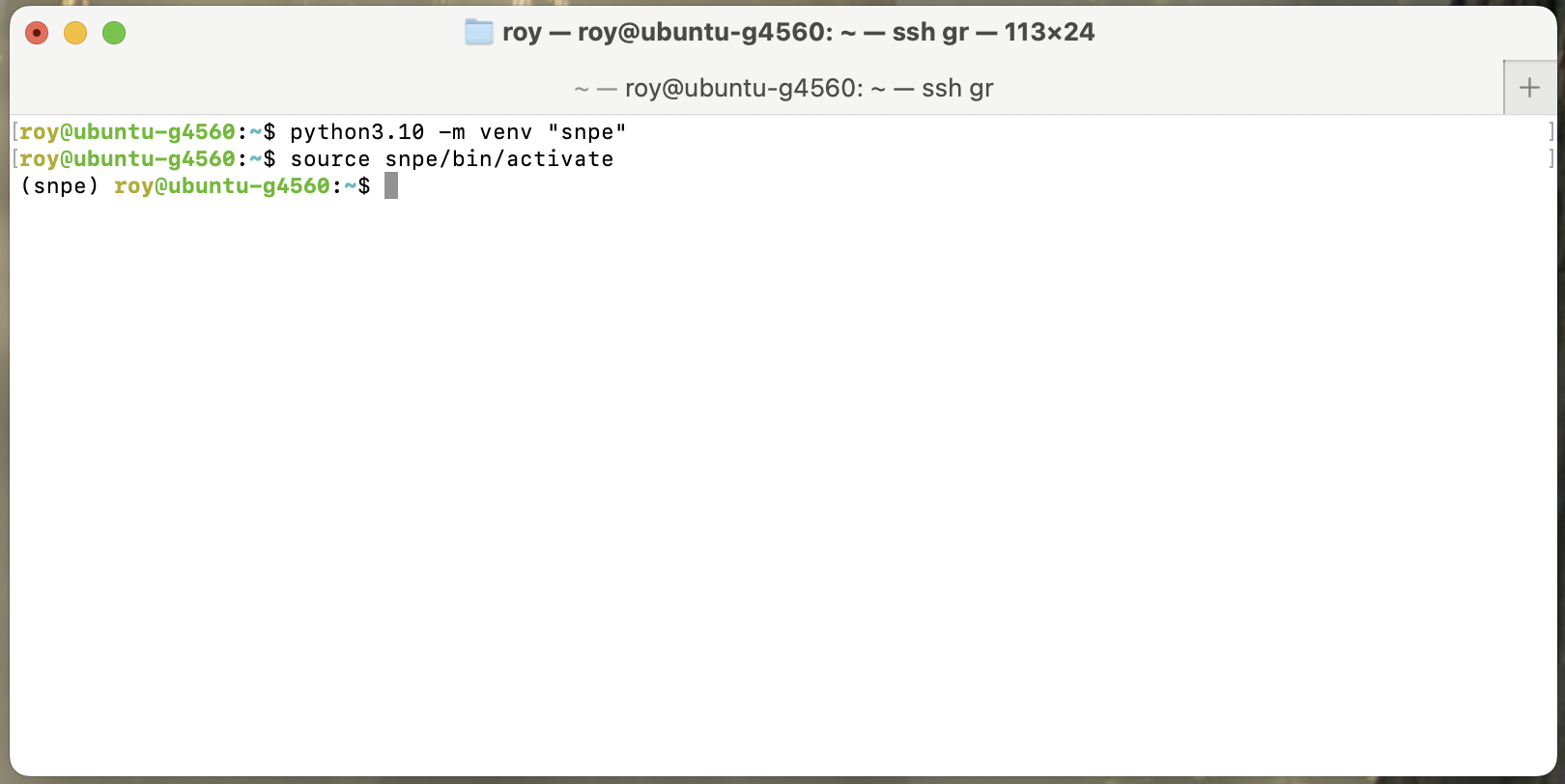
python3.10 -m venv "snpe"
source snpe/bin/activate
Installing virtual environment
Activating virtual environment
Handle Dependencies
Run the following script to check and install missing Python dependencies:
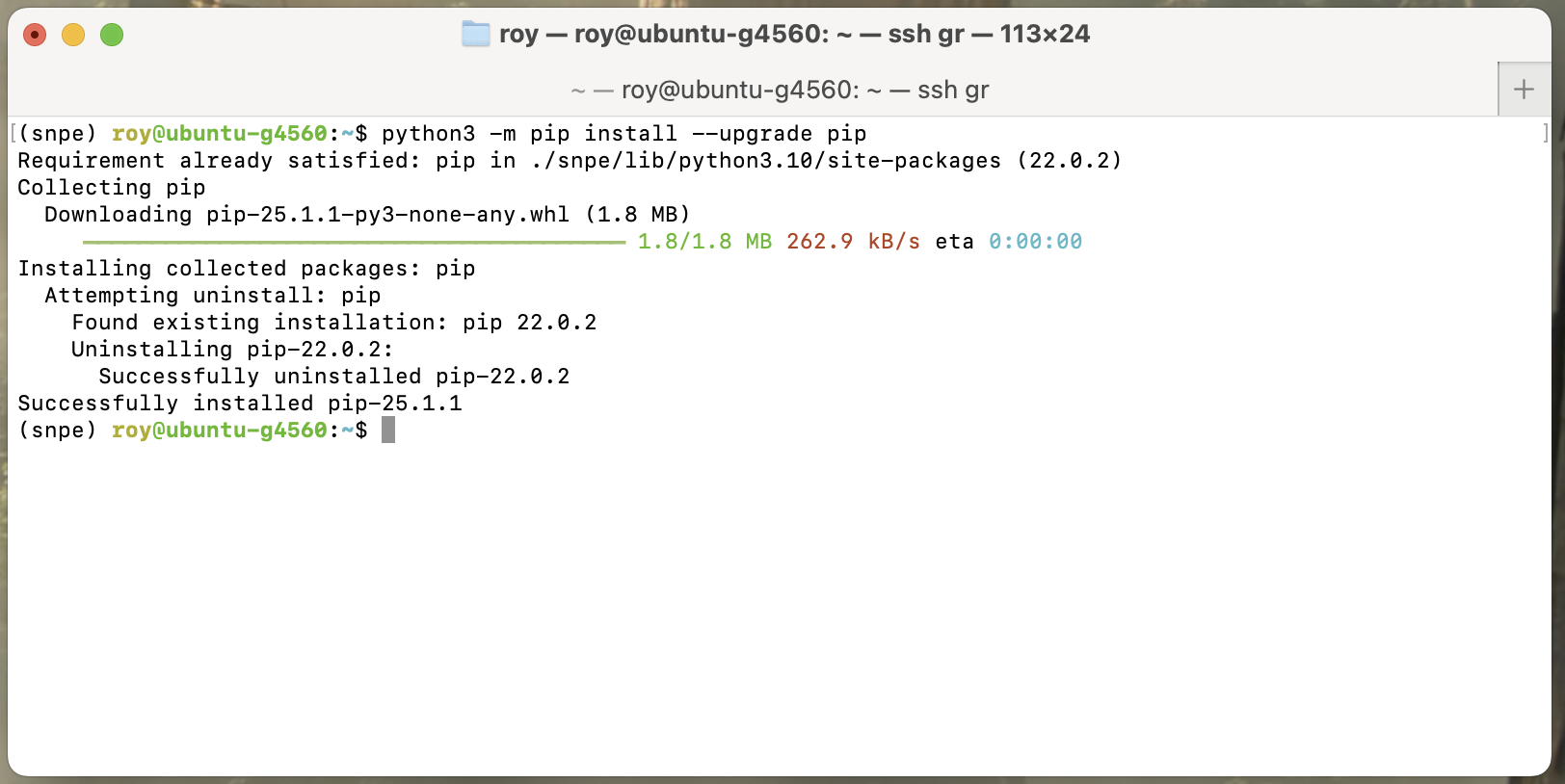
python3 -m pip install --upgrade pip

# Note: This command will take a considerable amount of time to download resources. If you have network conditions, using a proxy is recommended.
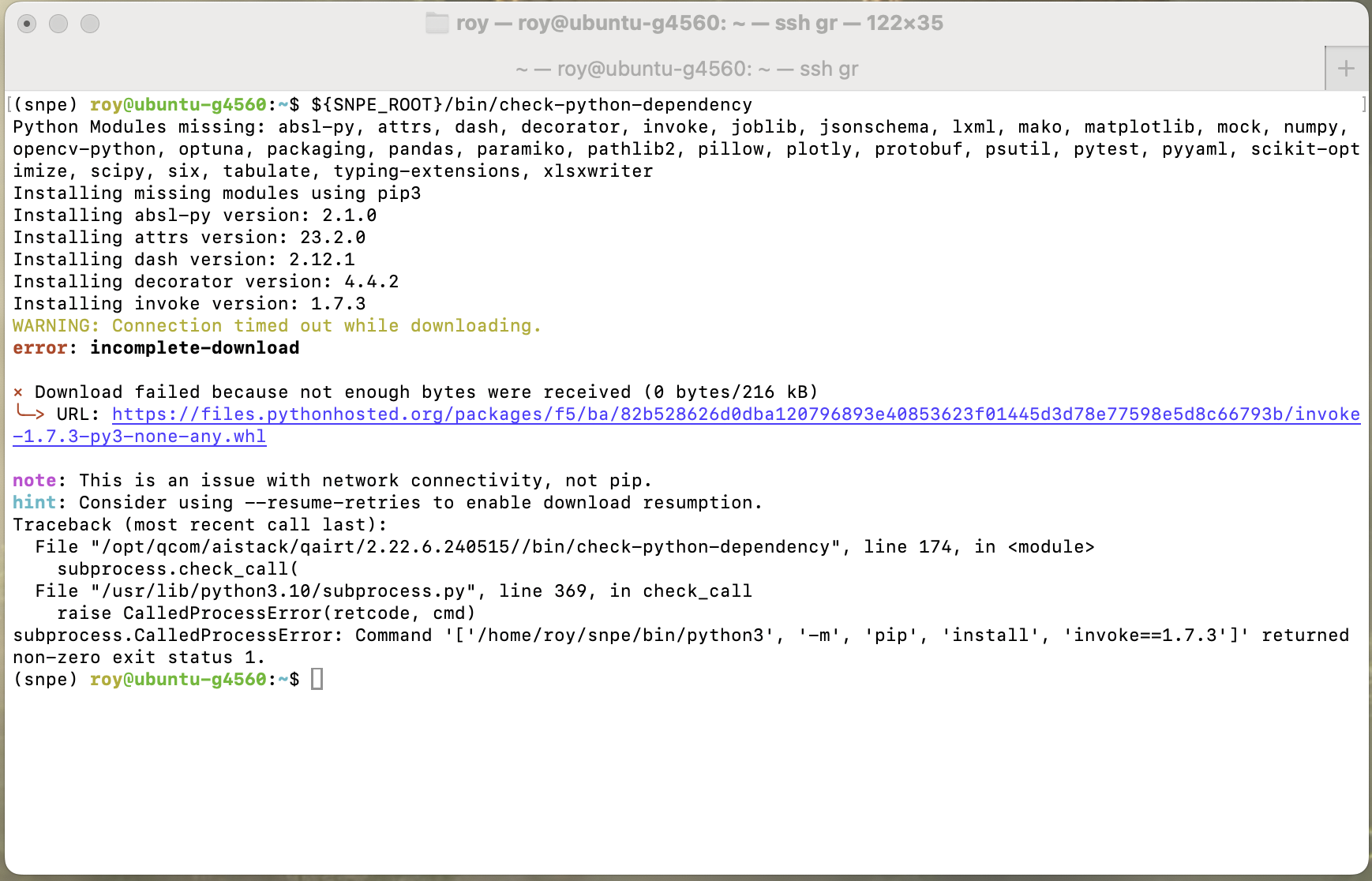
${SNPE_ROOT}/bin/check-python-dependency
Using virtual environment
If conditions allow, you can use a proxy, for example:
export https_proxy=http://10.0.0.42:7890 http_proxy=http://10.0.0.42:7890 all_proxy=socks5://10.0.0.42:7890
Using a proxy
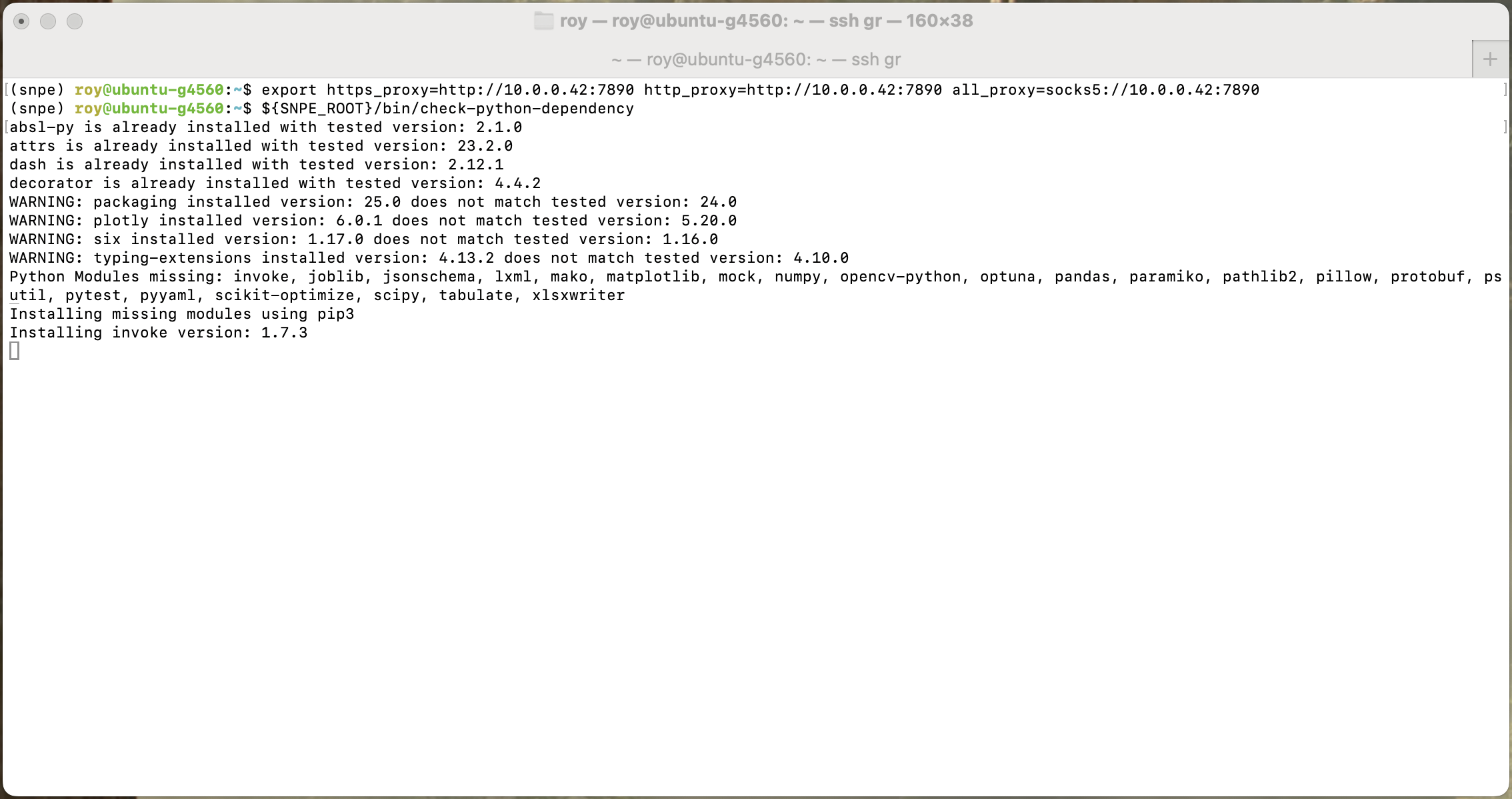
If you encounter network issues, you can manually download the packages from the URLs provided in the error messages and install them on your machine. For example:
wget https://files.pythonhosted.org/packages/f5/ba/82b528626d0dba120796893e40853623f01445d3d78e77598e5d8c66793b/invoke-1.7.3-py3-none-any.whl
pip install invoke-1.7.3-py3-none-any.whl
If download fails, you can install manually