Setting Up the Environment

Set SNPE Environment Variables
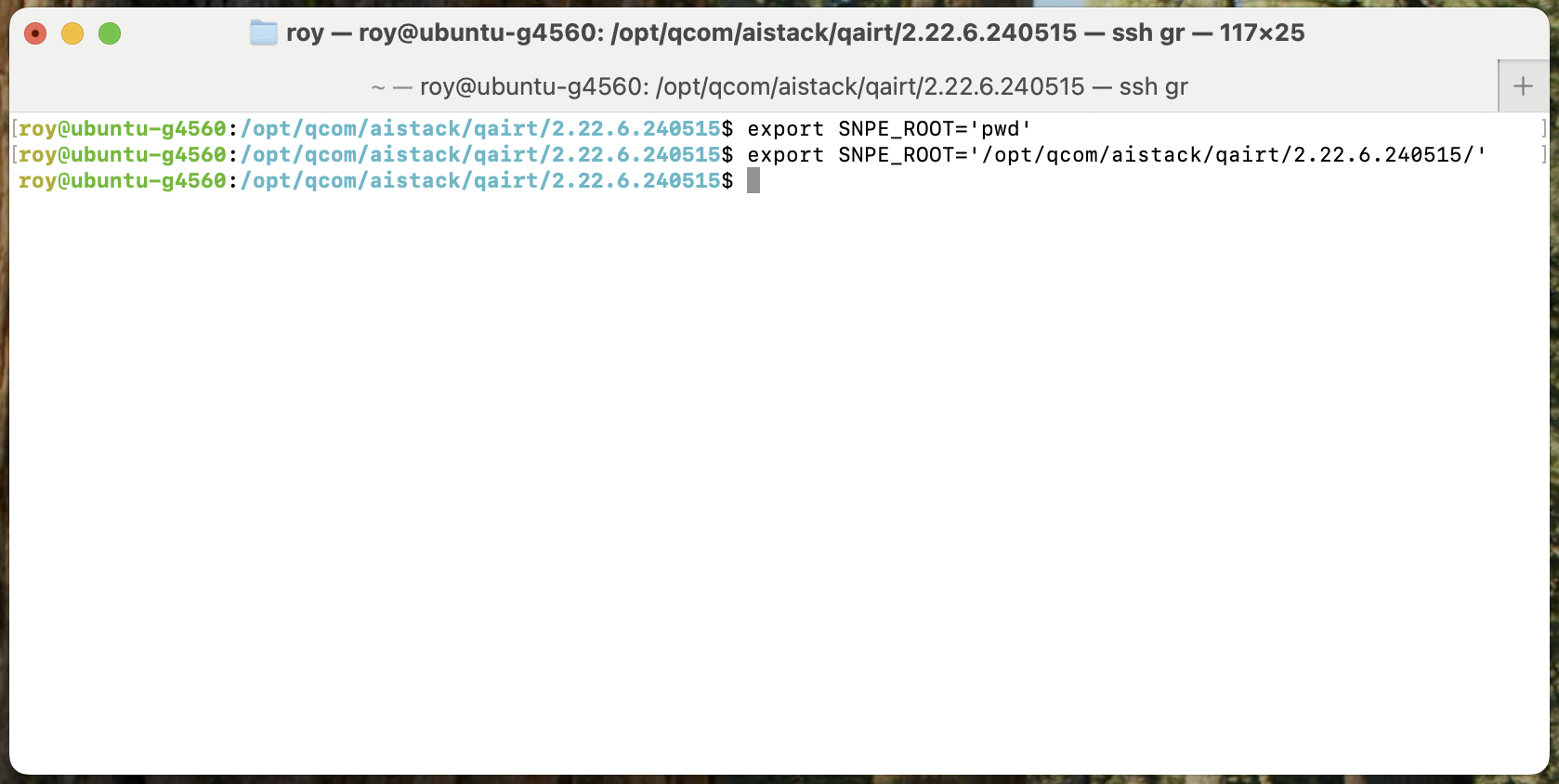
First, set the default SNPE_ROOT
export SNPE_ROOT='pwd'
# Or
export SNPE_ROOT='/opt/qcom/aistack/qairt/2.22.6.240515/'
Setting SNPE environment variables
Install Python 3.10
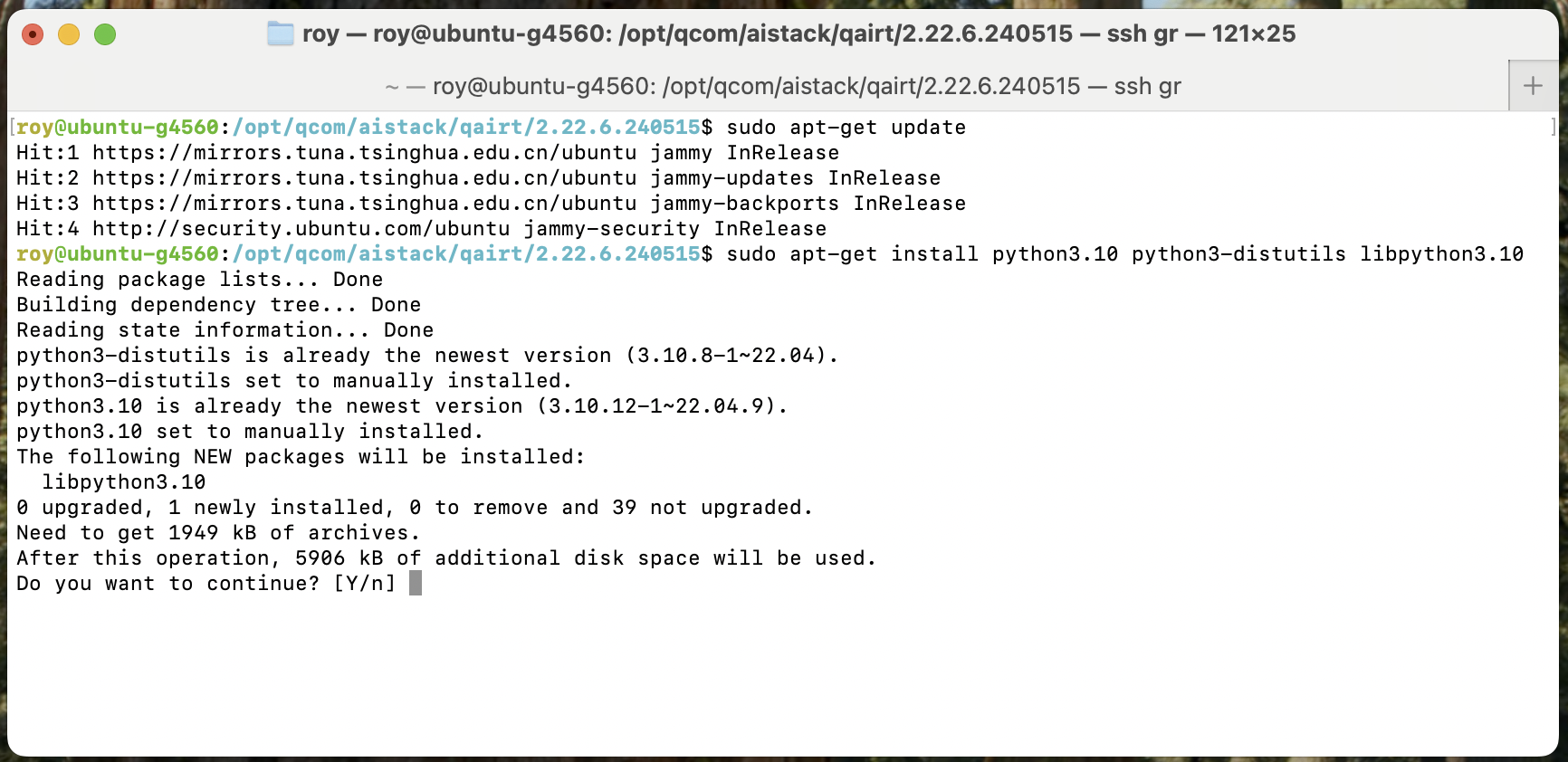
sudo apt-get update
sudo apt-get install python3.10 python3-distutils libpython3.10
Installing Python 3.10
System Dependencies:
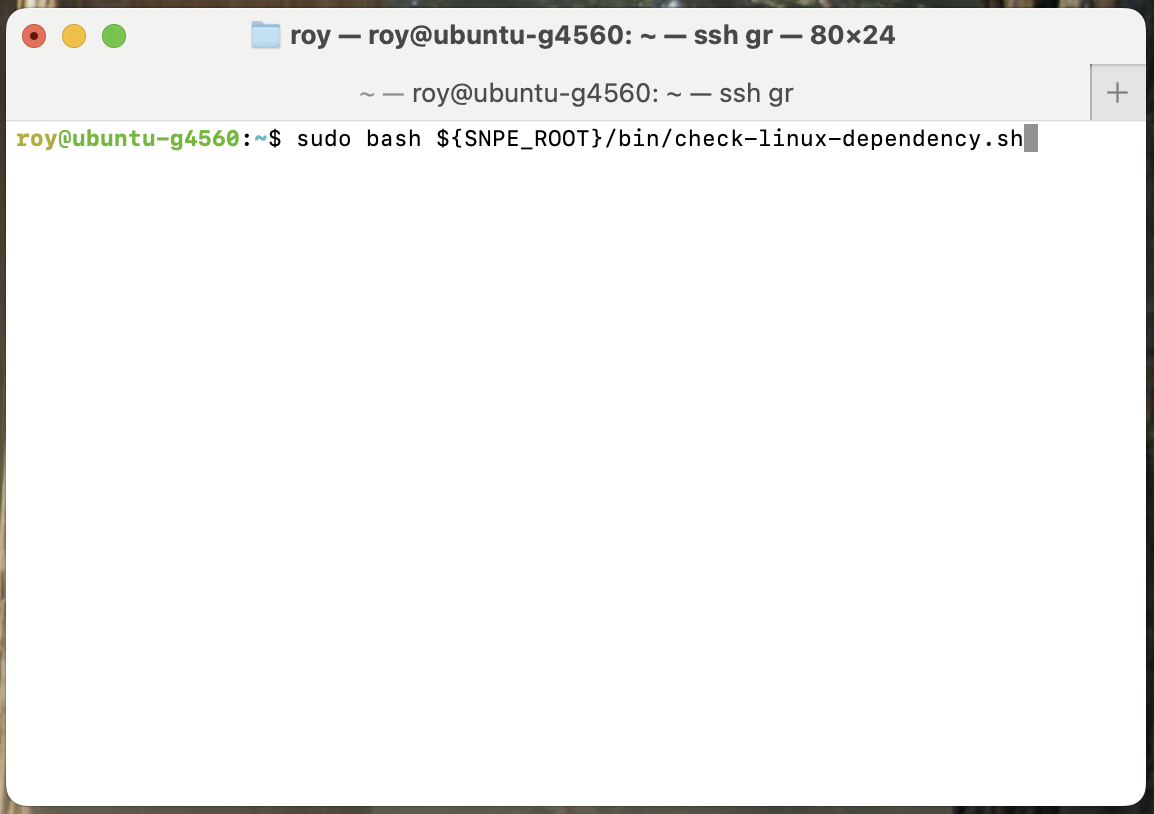
Install system libraries
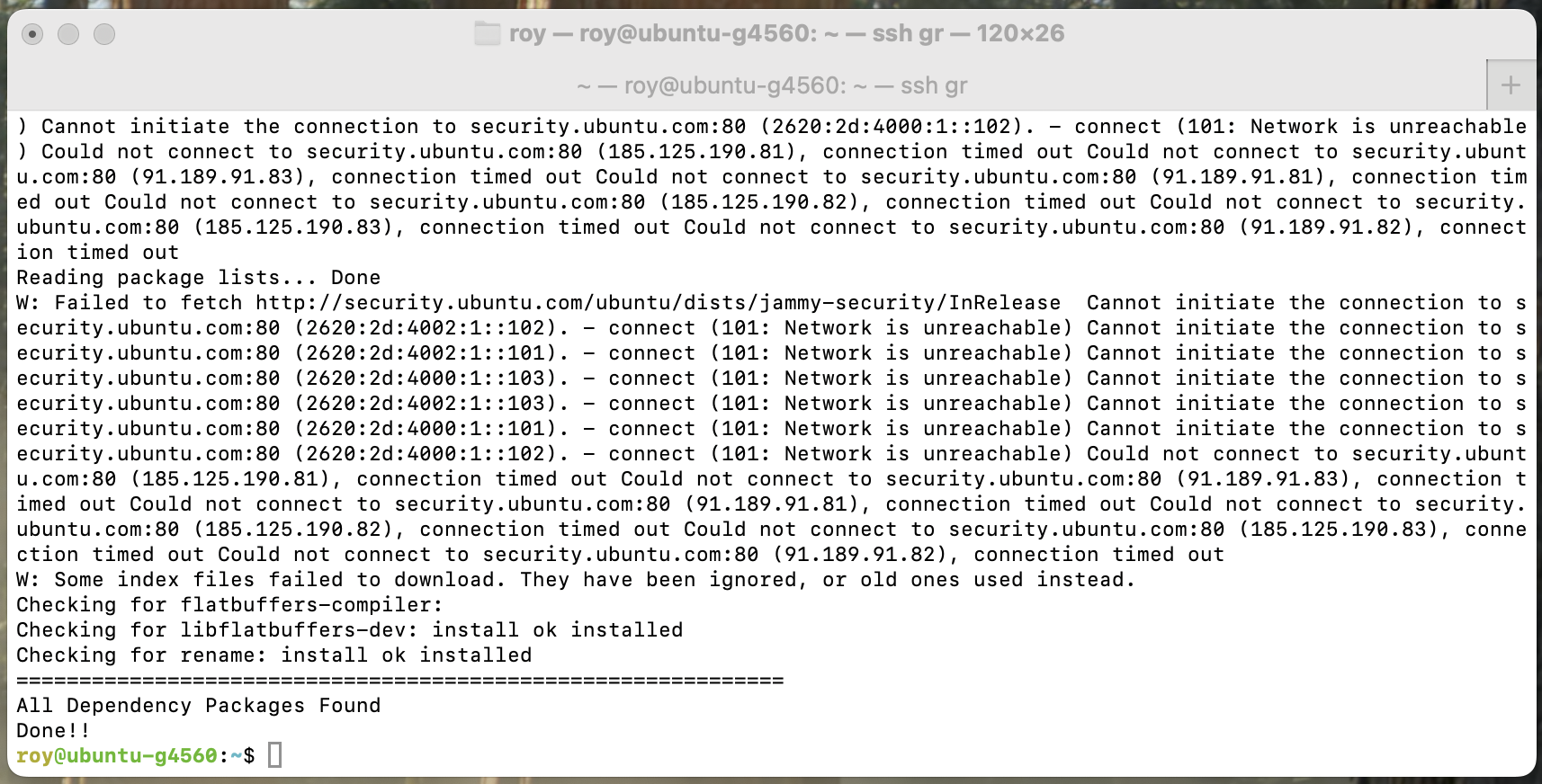
sudo bash ${SNPE_ROOT}/bin/check-linux-dependency.sh
Installing Python 3.10
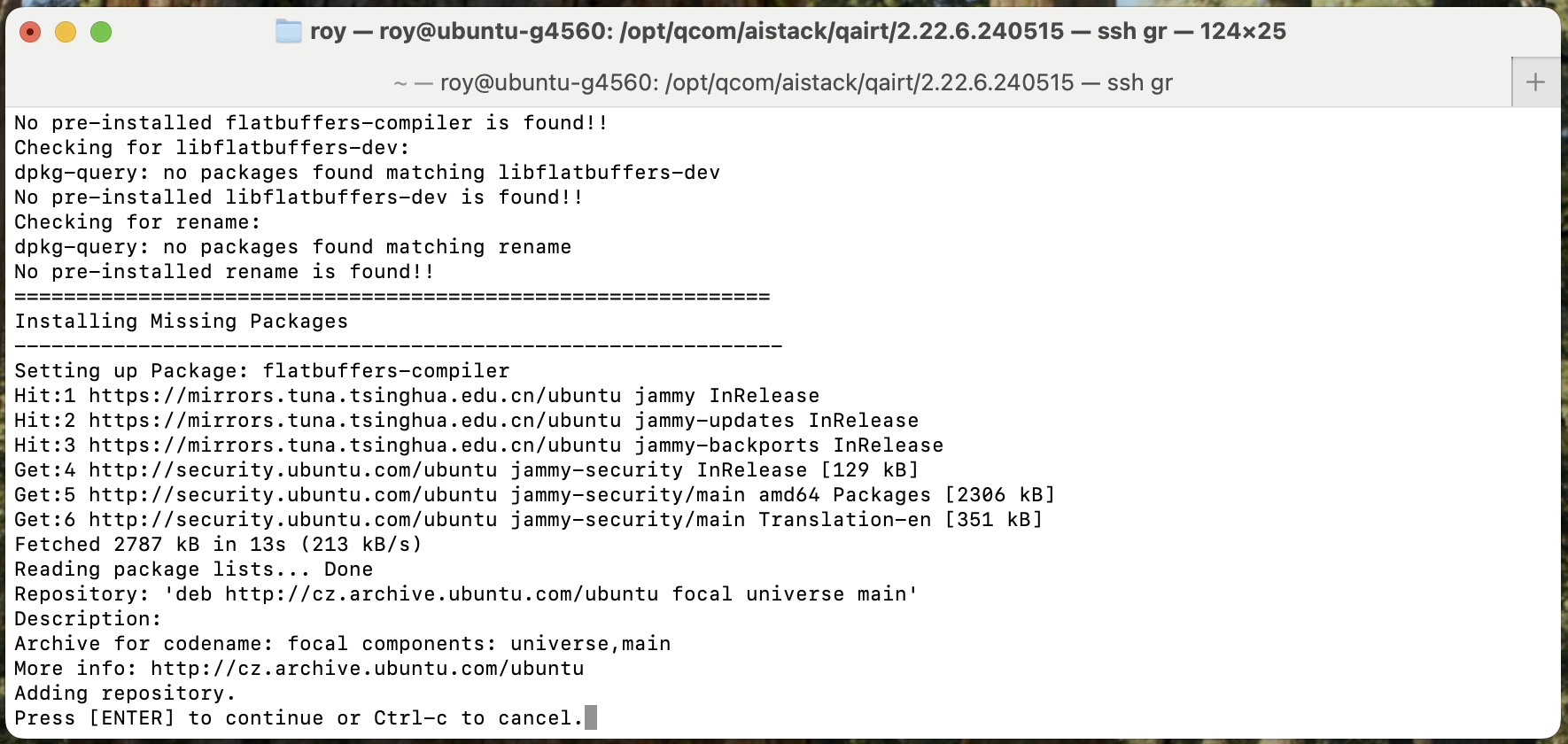
Note: If prompted to add other sources during installation, you can skip this by pressing ctrl-c
Skipping adding sources
Dependencies installation complete
If prompted to add sources, skip it by pressing
ctrl-c. The default sources are sufficient.