upgrade-preparation

0. Prepare Required Files
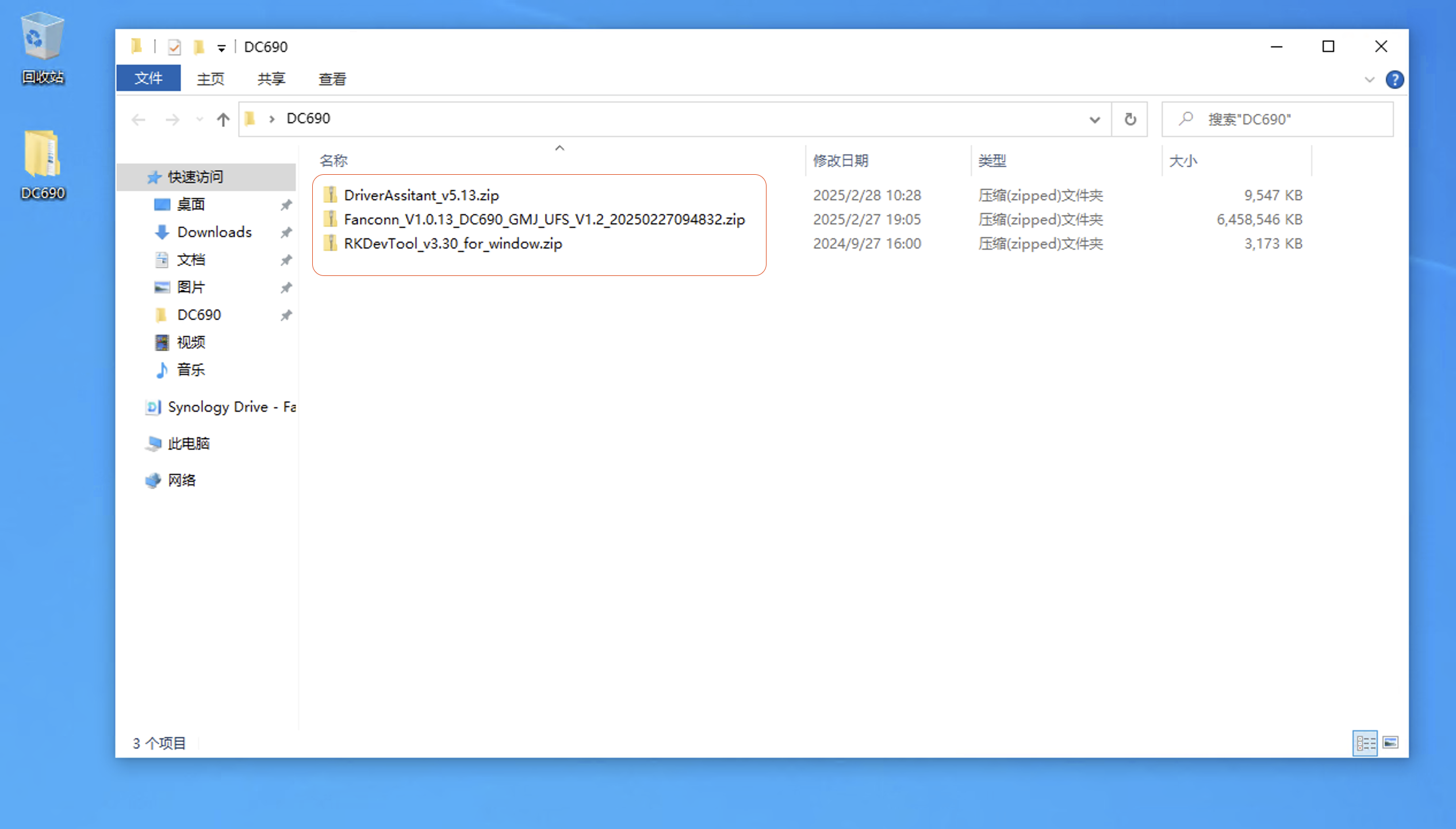
Recommended action: To avoid file confusion, create a new directory on your desktop named after the specific mainboard model, for example DC690, and place all downloaded upgrade files and firmware inside it.
RKDevTool_v3.30_for_window.zip
Note! RK3576 must use version 3.3x or higher, otherwise the device may fail to boot. Fanconn_V1.0.13_DC690_GMJ_UFS_V1.2_20250227094832.zip
Note! Please find the corresponding firmware. This file is for reference only! For reference only! For reference only!
File List
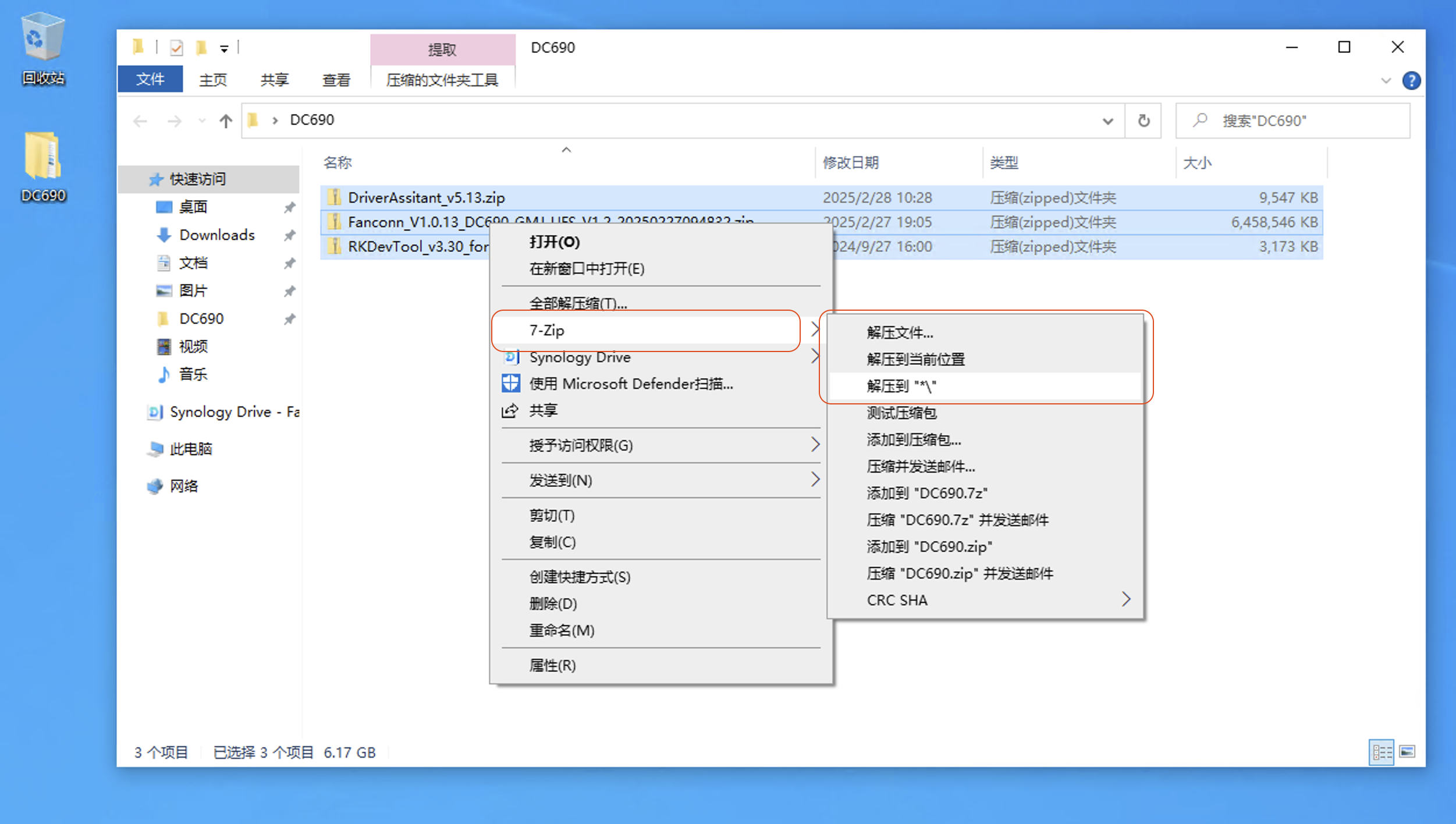
1. Extract Files
It is recommended to right-click and use 7zip to extract to *\
Click to extract all files
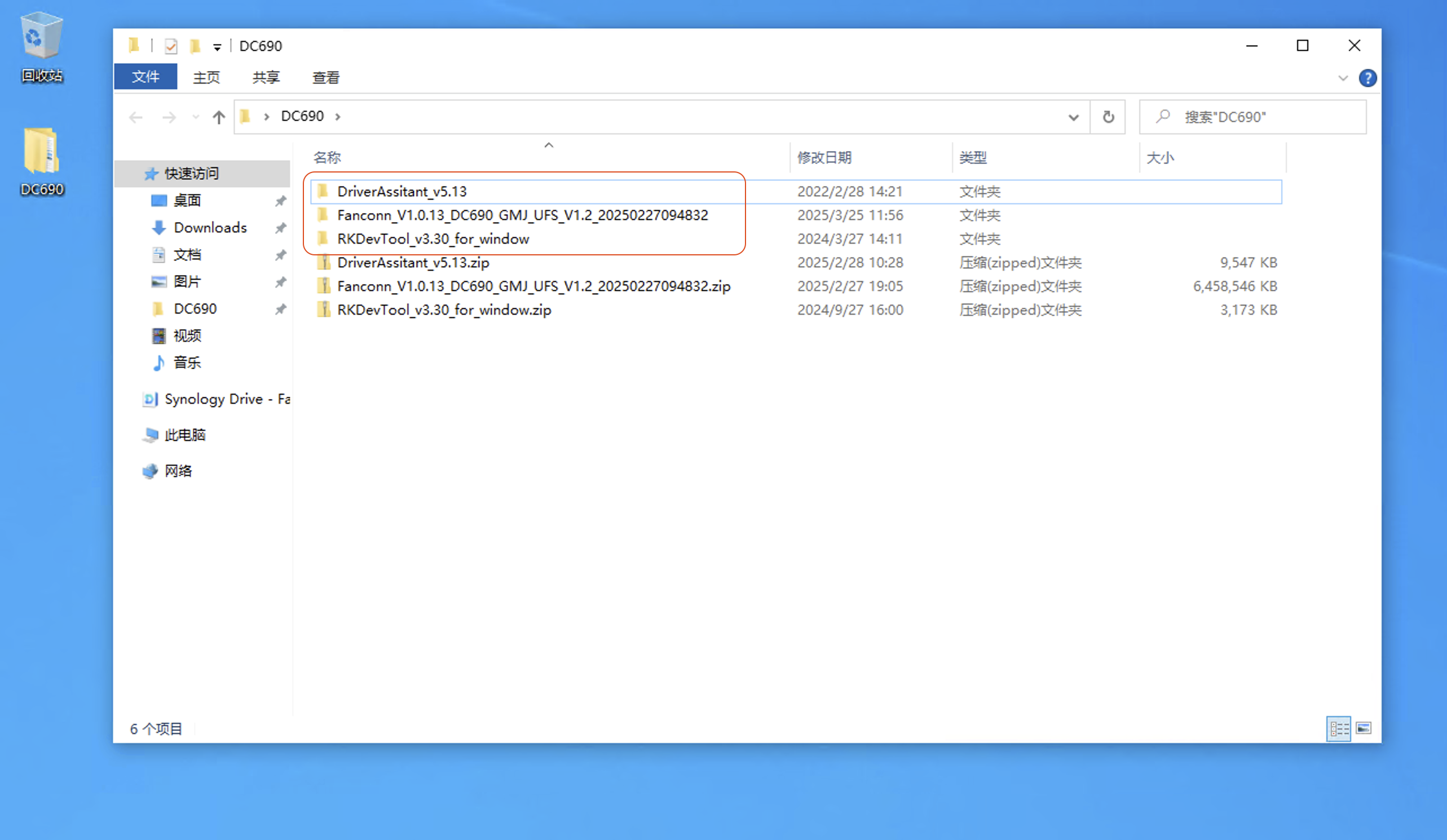
The extracted directory structure will be as follows:
DriverAssitant_v5.13
RKDevTool_v3.30_for_window
Fanconn_V1.0.13_DC690_GMJ_UFS_V1.2_20250227094832
Extracted Directories
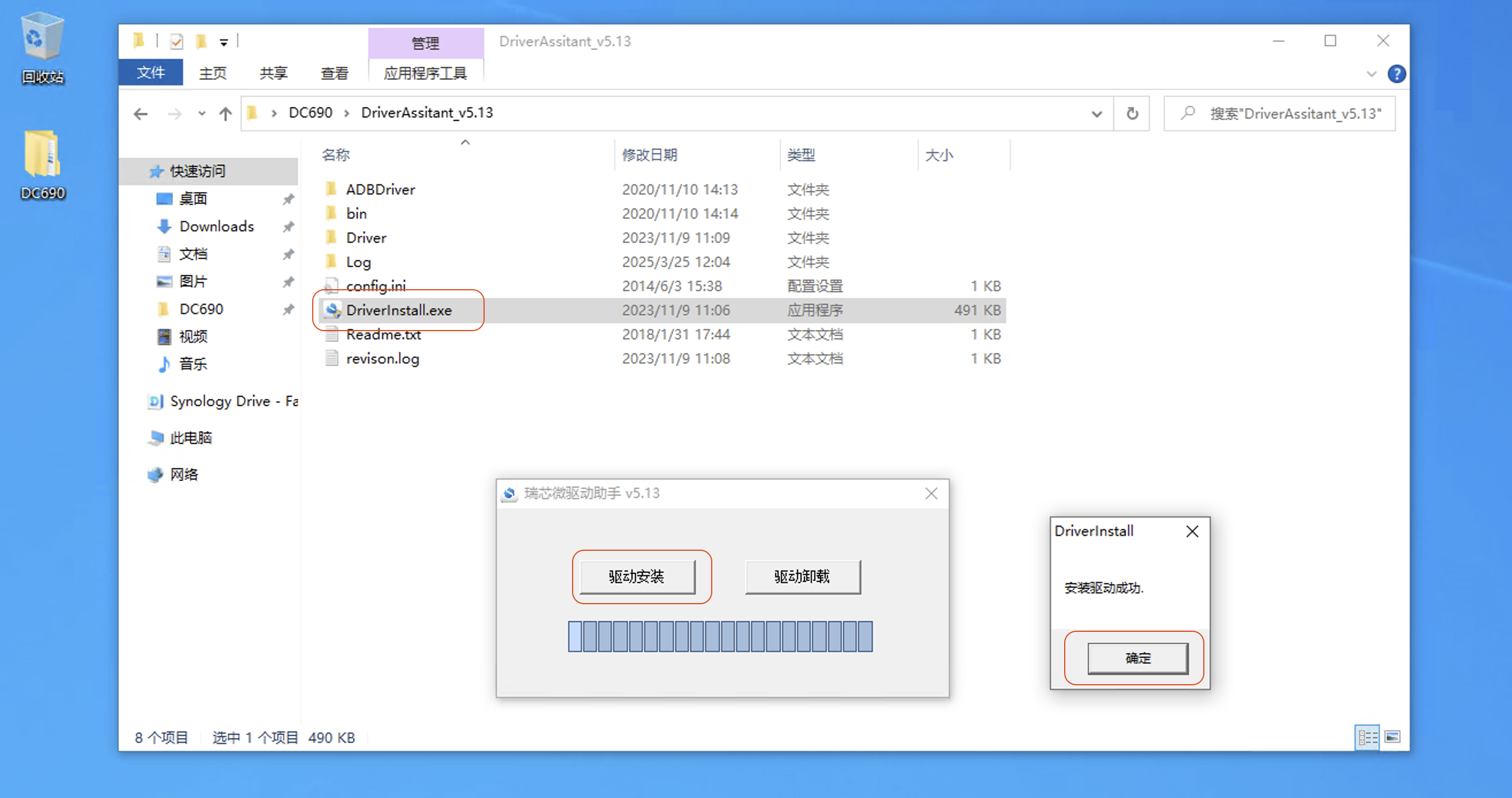
2. Install Driver
Navigate to DC690\DriverAssitant_v5.13 and run DriverInstall.exe to install the driver.
Upon completion, the screen will look like this